


Struggling to find the perfect colors for your brand? You’re not alone.
Whether you’re building a brand book, designing a landing page, or refreshing your digital assets, choosing the right color palette is one of the most powerful design decisions you’ll make. And guess what? You don’t need to be a color theorist to get it right.
Thanks to modern color palette generators, anyone—from startup founders to seasoned designers—can create beautiful, accessible, and brand-aligned color palettes in minutes.
We’ve tested the tools. Now here’s our curated list of the best free color palette generators to inspire your next masterpiece.
Why Color Generators Matter for Your Brand
Colors aren’t just pretty—they’re strategic. They impact perception, emotion, and even conversions.
That’s why tools that help you build and test palettes are essential. The best color generators let you:
- Visualize how your brand looks across screens
- Experiment with hues, tints, and shades
- Ensure accessibility (contrast, legibility, etc.)
- Create palettes from images, moods, or keywords
- Export palettes for tools like Figma, Adobe XD, and Brandy
So, let’s dive into the top tools powering color creativity today.
Top Free Color Palette Generators You Should Try
1. Coolors – Speedy, Smart, and Addictive

Best for: Designers who want fast results and creative control
Coolors is the Canva of color generators—fast, intuitive, and perfect for quick palette creation. Hit the spacebar, and it instantly spins out a new five-color scheme. You can lock colors, tweak hue and saturation, and export your palette as a URL, image, PDF, or CSS file. Bonus? You can upload an image to pull colors from real-world visuals.
Features:
- Random palette generator
- Gradient maker & image extractor
- Export formats for developers & designers
- iOS/Android apps available
🌐 Try it: coolors.co
2. Adobe Color – Pro-Level Customization

Best for: Creative professionals using the Adobe suite
If you’re serious about brand consistency, Adobe Color is a must. Start by exploring trending palettes. Then, use the color wheel to build your own using harmony rules—complementary, triadic, tetradic—you name it. You can even upload images to extract themes or run accessibility checks for contrast and legibility.
Features:
- Live color wheel with harmony rules
- Extract palette from images
- Contrast checker for accessibility
- Integrates with Adobe CC
🌐 Try it: color.adobe.com
3. Khroma – AI-Powered Personalization
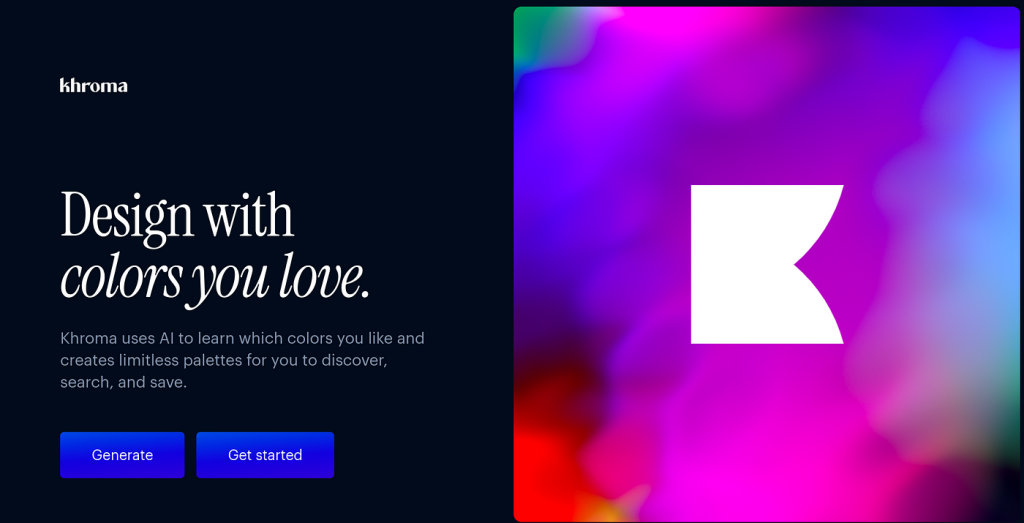
Best for: Designers who want ultra-personalized results
Khroma is like having a color consultant in your browser. It asks you to select 50 favorite colors (yes, 50—but it’s oddly satisfying). Then, it trains a machine learning model based on your choices. The result? Palettes that match your taste, rendered across typography, gradients, and backgrounds.
Features:
- AI-powered custom palettes
- Infinite scroll of use-case previews
- Download palette codes instantly
🌐 Try it: khroma.co
4. ColorSpace – Build Around a Base Color
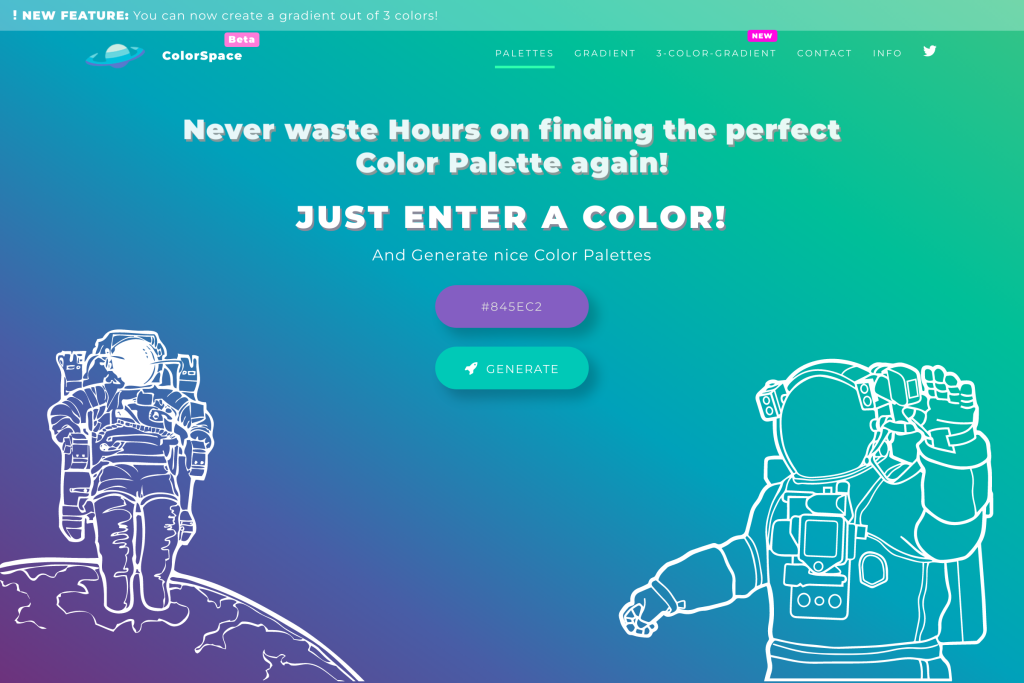
Best for: Creating palettes from a single brand color
Got a primary color in mind? Drop it into ColorSpace, and it’ll generate dozens of matching color schemes. Whether you’re after gradient blends or sophisticated combos, this tool gives you instant inspo—all based on your starting hue.
Features:
- Dozens of layout styles per color
- Instant palette previews
- No login required
🌐 Try it: mycolor.space
5. Muzli Colors by InVision – Mood-Based Magic

Best for: Designers who work from emotions or keywords
Enter a word like “vintage,” “tech,” or “calm”—and Muzli generates a palette that captures the vibe. It’s an AI-driven tool that translates feelings into colors, ideal for early-stage branding or campaign moodboards. The results are surprisingly on point.
Features:
- Text-to-color palette generation
- Curated collections
- Great for moodboarding
🌐 Try it: muzli
6. Google Material Color Tool – UI-Ready Palettes

Best for: Developers and product designers
Created for Material Design, this tool lets you pick two core colors (primary and secondary) and preview how they work in real UI components. It also checks for color accessibility and shows you live interface mockups—super useful for app or dashboard projects.
Features:
- Test in UI layouts
- Auto-generated text/background color
- Accessibility scoring included
🌐 Try it: material.io/resources/color
7. Wixel – Turn Images into Palettes
Best for: Designers who get inspired by visuals
Upload an image and let Wixel extract the key colors into a cohesive palette. It’s fast, simple, and gives you a downloadable PDF to guide your project. Great for brands building visual consistency across photos, social, and web.
Features:
- Upload-to-palette tool
- Adjustable brightness & contrast
- Export as print-ready or web-ready
🌐 Try it: Wixel
What Makes a Great Color Generator?
The best tools offer a mix of creativity and control. Here’s what to look for:
| Feature | Why It Matters |
|---|---|
| Ease of Use | Quick palette generation saves time. |
| AI Suggestions | Generates unique combinations you wouldn’t think of. |
| Export Options | Helps you plug your palette into design tools fast. |
| Accessibility Checks | Ensures your designs are usable by everyone. |
| Preview on Mockups | See your colors in action on UIs, cards, or websites. |
Bonus Tips: How to Choose a Winning Color Palette
- Start with your brand’s personality
Calm and professional? Go for soft blues and neutrals. Bold and energetic? Try contrast-heavy combos with red or orange. - Limit yourself to 3–5 colors
Too many can get chaotic. Stick to:- 1 primary
- 1–2 secondary
- 1–2 accent colors
- Test in real use-cases
Use mockups to check how your colors perform on buttons, backgrounds, headings, and CTAs. - Always check contrast
A stylish palette means nothing if your text is unreadable. Use contrast checkers or accessibility tools before you go live.
Final Thoughts
Choosing the right color palette is more than just an aesthetic decision—it’s a branding move. With these tools in your arsenal, you’ll be able to create consistent, memorable, and stunning visuals that elevate your brand across every touchpoint.
And if you’re managing brand colors across teams or clients, Brandy is your go-to platform for organizing and sharing palettes, logos, typography, and more—all in one place.
Ready to streamline your color system? Explore Brandy

