

Strong visuals are the heartbeat of modern branding. Every company relies on a steady stream of digital images to tell its story, connect with customers, and keep marketing fresh. Product photography, website graphics, social media content, and presentations all shape brand identity and influence how people perceive a business. Without an organized approach, a growing image library can become chaotic, wasting time and risking accidental use of outdated files.
Effective company image management brings order to this complexity. A robust image management system or digital asset management (DAM) solution stores, organizes, and distributes brand images from one centralized location. This structure helps creative teams and marketers maintain brand consistency, streamline the review and approval process, and control access so only the right users retrieve the right assets.
When digital assets are easy to find and share, teams create content faster, track asset usage, and maintain user engagement across all platforms. A well planned image management strategy protects valuable brand assets, strengthens brand presence, and supports long term growth.
Why Image Management Matters
Company image management is more than simply storing digital images. It is the foundation of a consistent and professional brand identity. When images are scattered across different drives or hidden in personal folders, creative teams waste time searching for files, duplicate work, and risk using outdated visuals. This lack of structure can weaken brand perception and slow down marketing efforts.
An effective image management system stores all brand assets in one place, giving every team quick access to the right images. A robust system or digital asset management (DAM) solution streamlines organization and handles the review and approval process.
Maintaining digital assets in an organized library supports brand consistency across websites, social media platforms, and marketing campaigns. It also protects valuable media assets from unauthorized use and accidental edits. By enabling users to control access, track asset usage, and run periodic reviews, businesses can improve workflow efficiency and boost user engagement.
Whether managing a small image library or handling large volumes of media assets for enterprise needs, a strong strategy plays a pivotal role in supporting content creation, improving conversion rates, and keeping brand guidelines intact.
Image Management Tips & Tricks
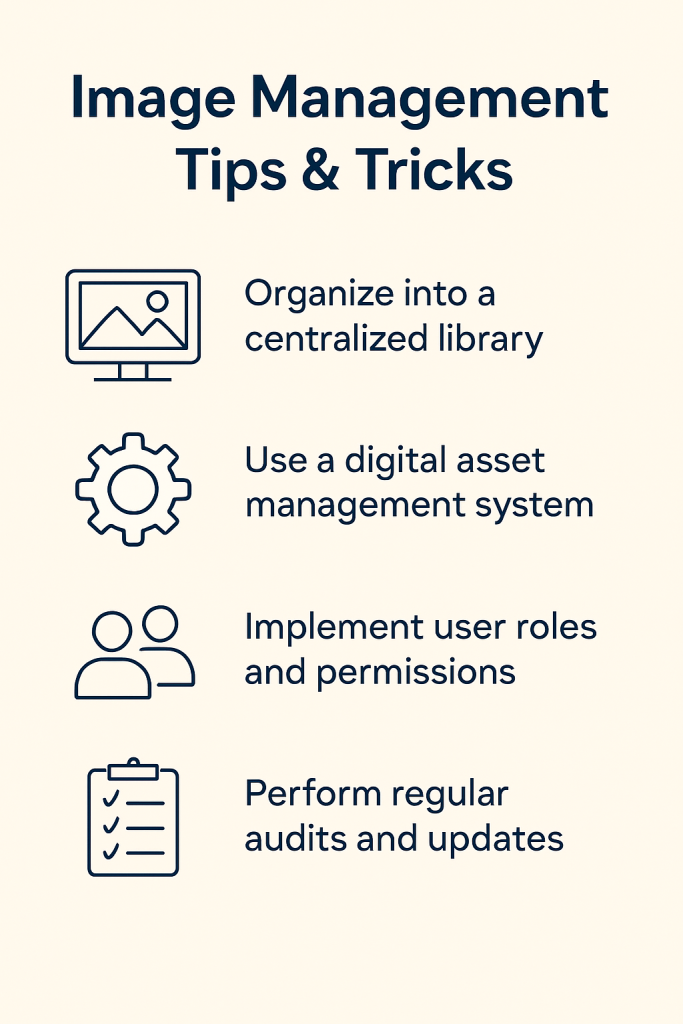
Strong image management keeps digital assets organized and ensures every team member can find the right visuals when needed. The strategies below explain how to set up a robust image management system that supports brand consistency, streamlines workflows, and protects valuable media assets.
Build a Centralized Image Library
A single secure kit for all brand images eliminates confusion and speeds up creative work. Set up a logical folder structure with clear categories such as campaigns or departments. Use consistent naming conventions like ProjectName_Date_Version to simplify searches. Include backup options and access controls to prevent data loss or unauthorized edits. A centralized library ensures that everyone works from the same source of truth, improving workflow efficiency and protecting your brand identity while supporting content creation across marketing, design, and product teams for a truly professional image management system that scales as your business grows.
Establish Clear Image Guidelines
Clear image guidelines help every team member create and share visuals that match your brand identity. Document image dimensions, file formats, and resolution requirements for each platform, from websites to social media. Include editing standards, such as acceptable filters and color corrections, along with examples of correct and incorrect usage. Provide these guidelines in an easy to access location within your digital asset management system. This approach ensures brand consistency across all content creation efforts, supports a smooth review and approval process, and gives stakeholders confidence that the visuals they use maintain your professional image and strengthen brand presence everywhere. Pairing these guidelines with approved design templates gives teams a practical starting point, making it easier to apply standards correctly and consistently across all visual assets.
Add Rich Metadata and Keywords
Comprehensive metadata transforms a large image library into an easily searchable database. Tag each file with descriptive information like titles, keywords, and campaign names, as well as technical details such as resolution and file type. Include usage rights and licensing information to avoid accidental use of restricted visuals. Encourage all team members to follow a consistent tagging process so searches return accurate results. Rich metadata enables users to quickly locate the right assets, supports advanced systems such as a digital asset management DAM solution, and helps creative teams maintain workflow efficiency and brand consistency across all platforms and campaigns.
Conduct Regular Asset Audits
Regular audits keep your image management system clean and efficient. Schedule periodic reviews to remove outdated, duplicate, or off brand visuals, and archive files that may be needed later but should not appear in active campaigns. Check metadata accuracy and confirm that all images meet current brand guidelines. These audits help prevent accidental use of old images, reduce storage costs, and keep digital assets organized. By maintaining a healthy library, your team can focus on creating new content rather than searching for the right images, which improves productivity, protects brand assets, and strengthens brand perception across every channel.
Train Your Team Thoroughly
Training ensures everyone understands how to use the image management tools and follow best practices. Provide onboarding sessions for new employees and refresher workshops for current staff, covering tasks such as uploading, tagging, and retrieving files. Share quick reference guides and record tutorials for easy access. Assign image management champions who can answer questions and monitor system changes to keep everyone aligned. Well trained users maintain brand consistency, avoid accidental use of incorrect images, and support smooth collaboration. Comprehensive training programs build confidence, enable users to fully leverage advanced systems, and keep your digital assets organized and accessible.
Integrate With Creative and Marketing Tools
Integrating your image management system with design software, content management platforms, and marketing automation tools creates seamless workflows. Connect with applications like Adobe Creative Cloud or your CMS so that designers and marketers can access approved brand images without switching platforms. Automate tasks such as resizing, format conversion, and the review and approval process to save time and reduce errors. Integration helps maintain brand guidelines across all creative projects, improves workflow efficiency, and enables users to create content faster. These connections transform your image management system into a powerful hub that supports consistent brand presence across every channel.
Control Access and Permissions
Role based permissions protect sensitive media assets and ensure only approved users can view, edit, or download specific files. Set up access levels for different departments or external partners to maintain brand security and prevent unauthorized use. This approach allows marketing teams to share images with agencies while keeping confidential product visuals private. Regularly review permissions to match current roles and projects. Controlling access safeguards your brand identity, supports compliance with licensing agreements, and provides confidence that every user is working with the right assets. A well managed permission system is essential for enterprise image management and scalability.
Track Performance With Analytics
Analytics reveal how images are used and which assets drive the most engagement. Use reporting tools within your image management system to monitor downloads, shares, and views. Identify high performing visuals for future campaigns and flag underused assets for potential updates or removal. Track asset usage to measure ROI on digital content and optimize future strategies. By understanding user behavior and visual impact, creative teams can refine their content creation process, improve conversion rates, and maintain a strong brand presence. Regular analysis ensures your image library stays relevant, effective, and aligned with marketing goals across all platforms and audiences.
Choosing the Right Image Management Platform
Selecting the right image management system is a crucial step in keeping digital assets organized and ensuring smooth collaboration across teams. A robust image management system should provide a secure centralized location for all brand images, support quick searches through rich metadata, and maintain brand consistency. Evaluate whether your company needs a simple cloud storage solution or a more advanced digital asset management (DAM) platform.
Compare key features such as role based access control, review and approval process, workflow efficiency tools, and analytics that track asset usage. For large volumes of media assets or enterprise image management needs, a DAM solution offers powerful integrations with creative tools and automated processes to maintain brand identity and prevent accidental use. Businesses with smaller libraries may prefer user friendly image management software that focuses on easy organization and cost efficiency.
Before making a decision, involve creative teams and other stakeholders to understand their requirements. Consider scalability, system changes, and training programs to enable users to adapt easily. A well chosen platform not only protects your brand assets but also helps organizations manage content creation effectively, maintain user engagement, and support a professional image across all platforms.
How Brandy Simplifies Image Management

Brandy provides a dedicated platform to keep every brand image and digital asset organized in one secure location. Creative teams, marketers, and stakeholders can upload, tag, and share visual assets without worrying about losing files or using outdated versions. The system supports a smooth review and approval process, ensuring that only approved images reach the public.
Brandy’s digital asset management features include role based permissions, advanced search tools with rich metadata, and analytics to track asset usage. These capabilities help maintain brand consistency across websites, social media, and marketing campaigns while improving workflow efficiency.
By integrating with popular design and content creation tools, Brandy enables users to create, manage, and distribute images with confidence. This approach not only protects valuable media assets but also strengthens brand identity and enhances user engagement. For companies seeking a robust image management system that scales with growth, Brandy offers a reliable solution that keeps digital content organized and accessible at all times.
Final Takeaways for Strong Company Image Management
Effective company image management is the key to maintaining a strong and consistent brand presence. A well planned strategy keeps digital assets organized, supports smooth collaboration, and protects valuable brand images from accidental use or unauthorized access. By centralizing visual assets in a robust image management system or a digital asset management (DAM) platform, businesses can streamline content creation, speed up the review and approval process, and ensure every stakeholder works with the right images.
To put these strategies into action, start by auditing your current image libraries and setting up a secure centralized location. Establish clear image guidelines, add rich metadata for easy search, and train your team to follow best practices. Integrate with creative tools, monitor analytics to track asset usage, and run regular reviews to keep content fresh and relevant.
When your digital assets are easy to access and consistently on brand, your organization can focus on creating impactful content and delivering a professional image across every platform.

