Sales Enablement Portals: How to Keep Sales Teams On Brand at Scale
Learn how sales enablement portals help sales teams find on brand content faster reduce errors and close deals with confidence
Sales teams move fast. Deals happen in real time. Conversations shift quickly. Yet the tools meant to support sales often slow them down at the worst possible moment.
Most organizations invest heavily in sales content. Pitch decks, one pagers, product sheets, case studies, and brand assets all exist somewhere. The problem is not lack of content. The problem is access, trust, and usability.
When a rep cannot find the right deck during a call, they start improvising. A broken link or outdated file quickly erodes confidence. Reaching out to marketing again for the latest version slows the conversation and kills momentum.
Sales enablement breaks at scale because most systems were never designed for how sales actually works. This is where sales enablement portals come in. When built correctly, they help sales teams move faster while staying fully on brand.
TL;DR: Sales Enablement Portals
Sales teams lose deals when they cannot quickly find trusted, on brand content. Generic file storage tools create confusion, broken links, and outdated decks, forcing reps to improvise during important conversations.
A sales enablement portal fixes this by organizing approved assets into easy to use kits, adding clear usage guidance, and making content searchable by real sales workflows. This reduces brand mistakes, speeds up selling, and cuts down constant requests to marketing.
Brandy helps teams centralize brand assets into a single source of truth that stays updated automatically. Sales teams move faster with confidence, marketing keeps control, and brand consistency scales without slowing revenue.
The Real Cost of Off Brand Sales Content
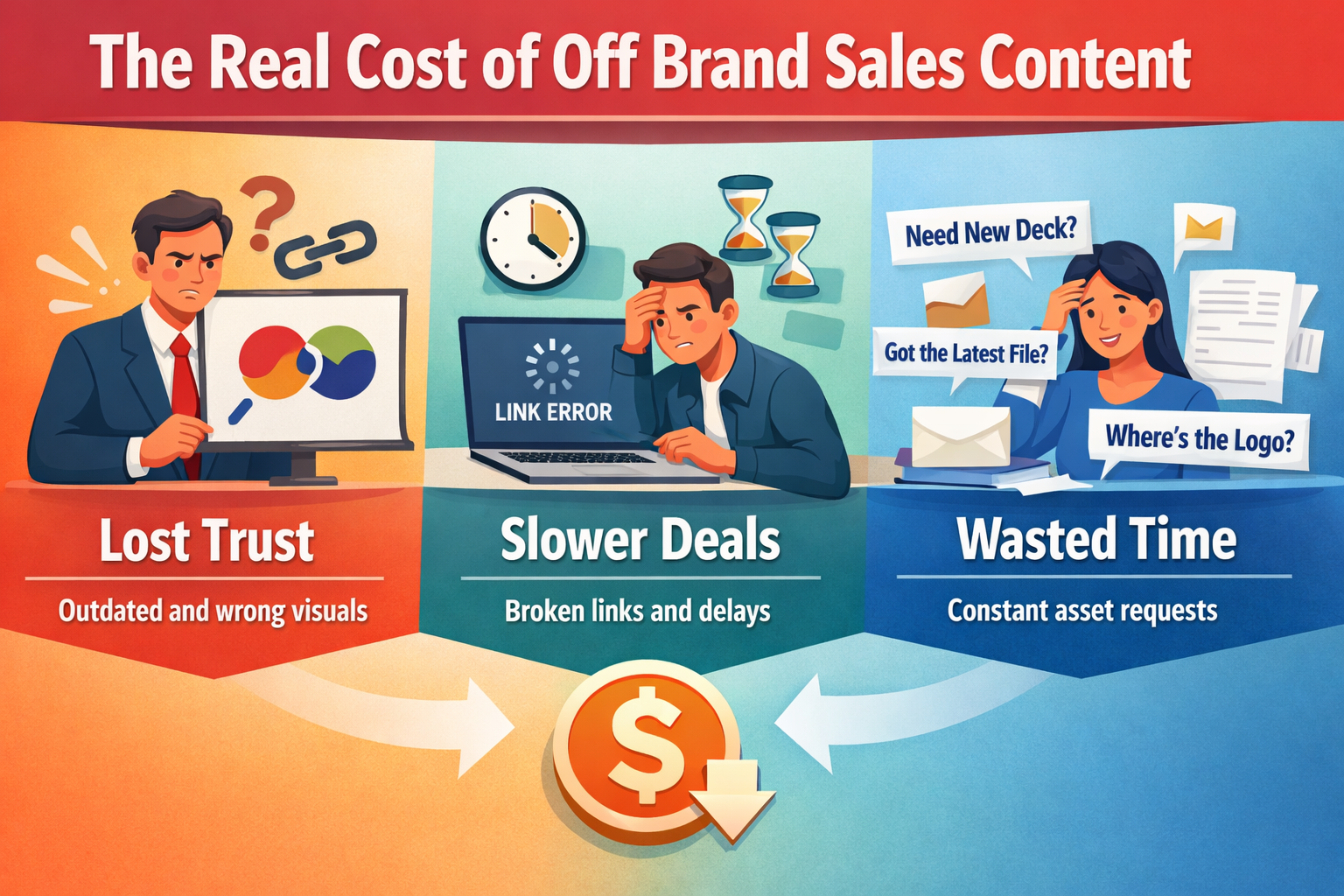
Brand consistency is not just a marketing concern. It directly affects revenue, trust, and deal velocity.
Why Sales Reps Are Not the Problem
Sales reps do not intentionally go off brand. They are responding to pressure. A prospect is waiting. A question needs answering. A deck needs to be shared immediately.
When the approved asset is buried deep inside folders or unclear to use, reps default to what is fastest. That often means an old PDF saved locally or a slide copied from a previous deal. The behavior is not careless. It is practical.
The real issue is that the system failed them. Without a portal built for speed and clarity, staying on brand becomes optional rather than automatic.
How Small Brand Mistakes Snowball in Big Deals
One outdated slide might seem harmless. But to a prospect, it signals confusion. Inconsistent messaging raises doubts. Old product screenshots suggest lack of maturity.
In enterprise or regulated industries, the risk is even higher. Incorrect claims or outdated compliance language can stall or kill a deal outright. Brand mistakes compound quietly, often noticed only after trust has already eroded.
Why Traditional Sales Asset Hubs Fail Sales Teams
Many companies rely on tools that were never designed for sales enablement.
File Storage Is Not Sales Enablement
Google Drive and SharePoint are excellent for storing files. They are not built for guiding usage.
Sales enablement requires context. Which deck should I use for this industry. Which version is current. What should I send after a first call versus a pricing discussion. File trees cannot answer these questions.
Without context, assets become risky rather than helpful.
Broken Links & Stale Folders During Live Conversations
Nothing disrupts a sales call faster than a broken link. Reps hesitate. Conversations stall. Credibility drops.
To protect themselves, many reps download files locally just in case. Over time, this creates dozens of uncontrolled versions floating around. The moment a deck updates, no one knows which copy is correct anymore.
What starts as a workaround quickly becomes a brand liability.
No Guardrails Means Brand Drift
Generic file tools lack brand guardrails. There is no visibility into what should or should not be used. Logos with outdated colors still sit next to current ones. Old messaging lives alongside new positioning.
When everything is technically available, nothing feels officially approved. Sales teams lose confidence in the system and stop relying on it.
The Hidden Productivity Drain Between Sales and Marketing
Beyond brand risk, poor sales enablement creates constant internal friction.
Constant Asset Requests Slow Everyone Down
When sales cannot find what they need, they ask. Marketing teams receive a steady stream of messages asking for decks, logos, and one pagers that already exist.
Each request feels small. Collectively, they consume hours every week. Marketing becomes a help desk instead of a strategic function.
The Real Cost of Interruptions and Context Switching
Every interruption breaks focus. It takes time to reorient, reenter creative flow, and resume meaningful work.
Multiply that across dozens of messages each week and across an entire organization, and the cost becomes massive. Teams lose days of productivity every month simply searching for files or answering requests that should be self serve.
What a Sales Enablement Portal Should Actually Include
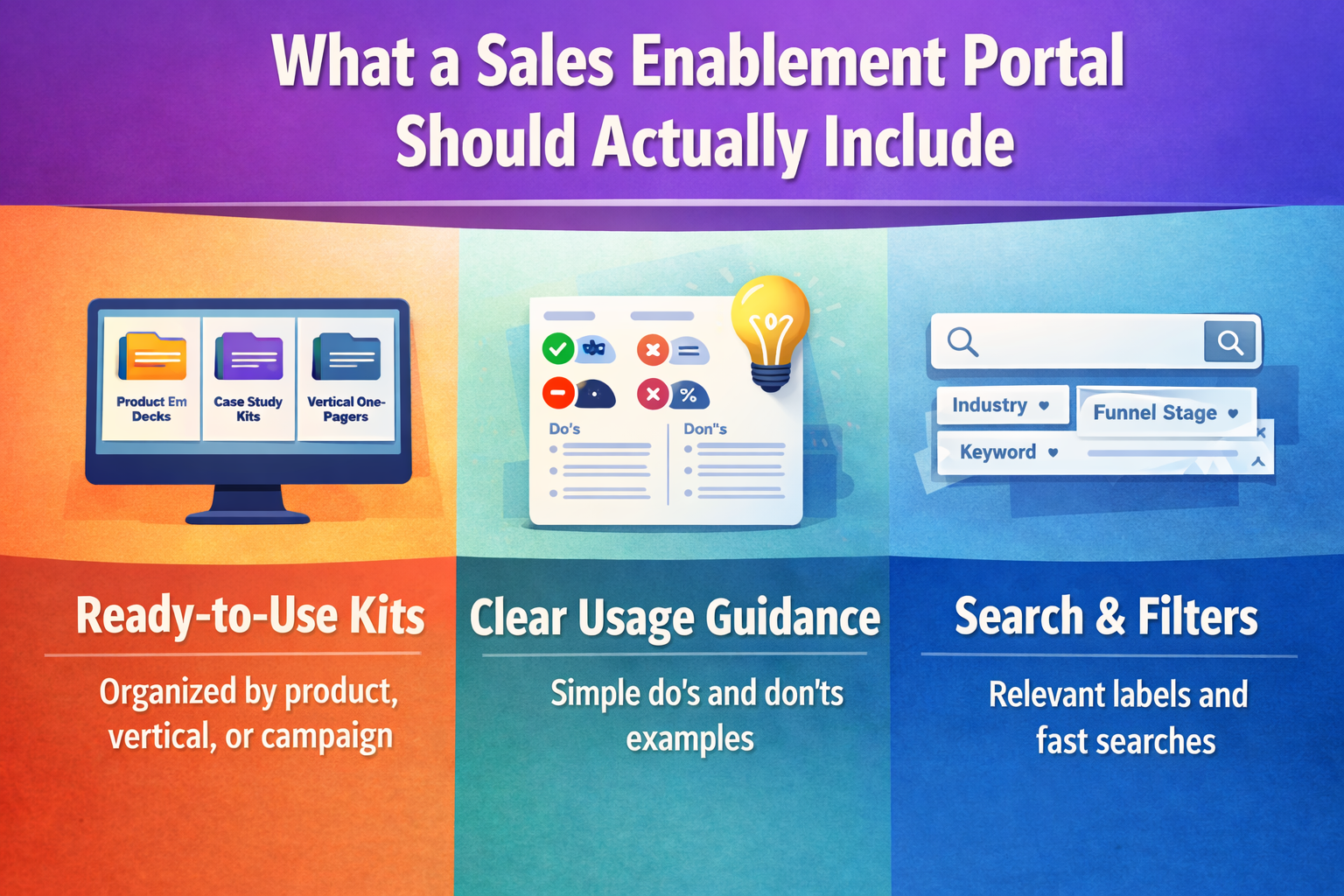
A true sales enablement portal is not a dumping ground. It is a curated environment built for selling moments.
Ready to Use Kits Built for Selling Moments
Sales teams do not think in file names. They think in situations.
A portal should organize assets into kits based on real use cases. Product launches. Industry verticals. Campaigns. Regional needs. When everything needed for a moment lives together, reps can act confidently without second guessing.
Clear Usage Guidance without Training Overload
Brand misuse often happens because guidance is missing or unclear.
A good portal includes lightweight guidance next to assets. Simple notes. Visual examples. Clear do and do nots. This removes guesswork and eliminates the need for constant training sessions.
Search and Filters That Match How Sales Thinks
Speed matters. If a rep cannot find what they need in seconds, the portal will be ignored.
Search, filtering, and visual scanning are critical. Reps should be able to locate assets by audience, industry, or stage of the funnel without digging.
How Leading Sales Teams Use Enablement Portals to Stay On Brand
When sales enablement portals are built around real workflows, adoption follows naturally. Teams stop asking where files live and start trusting what they find.
Managing Compliance and Scale in Regulated Industries
For highly regulated industries, brand control is not optional. It is critical.
Sales teams often need to share packaging, regulatory documents, and approved messaging that varies by region, state, or product category. Without a structured portal, teams rely on memory or outdated files, increasing legal and reputational risk.
Well designed sales enablement portals allow teams to separate assets by market, region, or audience while keeping everything aligned to brand and compliance standards. Sales reps can move quickly while knowing the materials they share are accurate and approved.
Why Context Matters as Much as the Asset Itself
An asset without context is just a file.
High performing sales portals place messaging, visuals, and guidance together. Instead of sending a standalone deck, reps understand when to use it, how to introduce it, and what not to modify. This context increases confidence and reduces hesitation during conversations.
When sales knows not just what to share but why and when to share it, brand consistency becomes effortless.
How to Build a Sales Enablement Portal Your Team Will Actually Use
The biggest mistake companies make is building portals for brand teams instead of sales teams.
Start with Sales Workflows Not Brand Archives
Sales does not need access to every asset ever created. They need the right assets for the right moment.
Start by identifying the most common sales scenarios. First calls. Demos. Pricing discussions. Renewals. Partner conversations. Build your portal around these workflows rather than mirroring internal folder structures.
When portals reflect how sales thinks, usage becomes intuitive.
Design for Speed Scanning and Confidence
Sales reps make decisions quickly. Your portal should support that behavior.
Visual thumbnails, clear labels, and simple descriptions help reps scan and select the right asset without second guessing. If it looks official and current, they trust it. If it looks cluttered or confusing, they avoid it.
A portal that feels easy builds confidence before a rep even opens a file.
Use Permissions to Reduce Noise Not Access
More access does not always mean better access.
Not every sales rep needs every asset. Permissions help keep portals focused and relevant. By tailoring access based on role, region, or deal type, you reduce overwhelm and increase clarity.
Clean portals lead to faster decisions and better brand adherence.
Where Brandy Fits into Modern Sales Enablement?
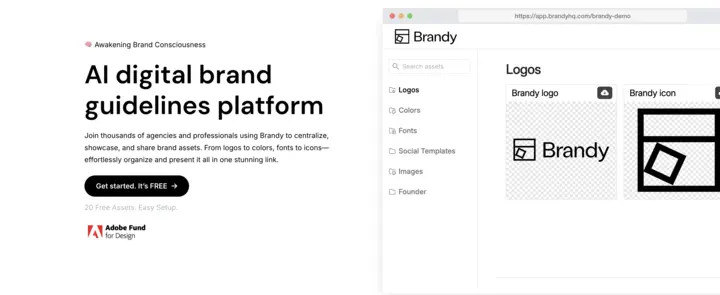
Sales enablement succeeds when brand systems remove friction instead of adding steps. This is exactly where Brandy plays a critical role.
Brandy Turns Brand Assets into Sales Ready Resources
Brandy is built to centralize approved brand assets while making them easy to find, trust, and use.
Instead of digging through folders or guessing which version is current, sales teams access a single source of truth. Logos, decks, templates, and visuals stay updated automatically. When marketing updates an asset, sales sees the change instantly.
This eliminates version confusion and prevents outdated content from slipping into deals.
Brandy Keeps Sales On Brand without Slowing Them Down
Brand consistency should not feel restrictive to sales. It should feel supportive.
Brandy allows marketing teams to define clear usage guidelines while giving sales teams fast access to what they need. Assets are presented with context, guidance, and structure so reps can act confidently without second guessing.
Sales stays on brand without needing to ask for approval at every step.
Brandy Reduces Internal Requests and Repetitive Work
When assets are easy to find and clearly approved, sales stops asking marketing for files.
This reduces Slack interruptions, email chains, and last minute fire drills. Marketing teams regain time to focus on strategy and campaigns. Sales teams stay focused on conversations that move deals forward.
Everyone works faster without cutting corners.
Final Thoughts: Keeping Sales On Brand without Slowing Them Down
Sales teams want to sell. Marketing teams want to protect the brand. When systems fail, these goals collide.
A well built sales enablement portal removes that tension. It gives sales speed, clarity, and confidence while giving marketing control and visibility. Brand consistency stops being a policing exercise and becomes a natural outcome of good systems.
With Brandy, teams create a single place where brand assets stay current, organized, and ready to use. Sales spends less time searching, asking, or improvising and more time building trust and closing deals.
If your sales team is growing and brand consistency matters, the right sales enablement portal is no longer optional. It is foundational.
FAQs About Sales Enablement Portals
What is a sales enablement portal?
A sales enablement portal is a centralized hub where sales teams access approved, up to date brand and sales materials. It helps reps find the right assets quickly while ensuring brand consistency.
How does a sales enablement portal improve brand consistency?
By providing sales teams with trusted, current assets and clear usage guidance, portals remove guesswork. Reps use what is approved because it is easier than going off brand.
Why do generic file tools fail for sales enablement?
Generic file tools are built for storage, not selling. They lack context, guidance, and structure. This makes it harder for sales teams to trust what they find and easier to share the wrong materials.
Who should own sales enablement portals?
Marketing typically owns the content and structure, while sales provides feedback on usability. The most effective portals are built collaboratively with real sales workflows in mind.