
Effortlessly Manage Multiple Assets with Bulk Actions
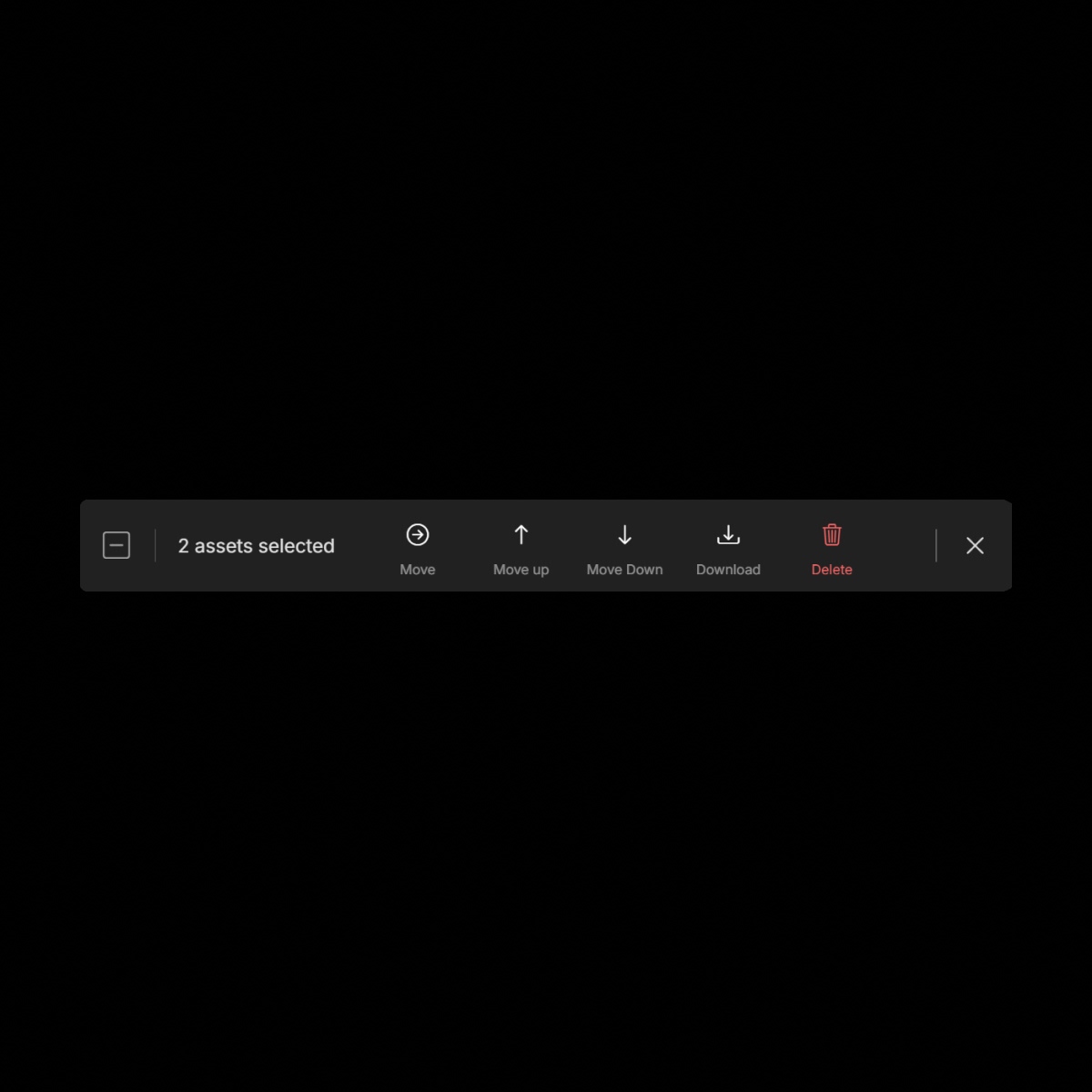
Brandy's Bulk Actions feature streamlines your workflow by enabling you to select and manage multiple assets simultaneously. Whether you're organizing, relocating, or removing assets, Bulk Actions ensures efficiency and precision.
The Benefits
Unlock the full benefits of this feature.
01
Efficient Asset Relocation
Move multiple assets to different collections or sub-collections in one seamless action, keeping your workspace organized.
02
Streamlined Organization
Rearrange assets within a collection or sub-collection by moving them up or down, ensuring a logical and customized order.
03
Quick Asset Removal
Delete multiple assets at once, simplifying the process of maintaining an up-to-date asset library.
The Impact
Effortlessly Manage and Organize Multiple Assets with Bulk Actions
With Brandy's Bulk Actions, managing large volumes of assets becomes a streamlined process, saving time and enhancing productivity.
Common Use Cases
Brands
Quickly update and reorganize brand assets across various collections to reflect the latest branding strategies.
Agencies
Efficiently manage client assets by moving and organizing files to meet project-specific needs.
Marketing Teams
Swiftly adjust campaign assets within collections to align with evolving marketing objectives.
Enterprises
Maintain consistency across departments by organizing and updating assets in bulk, ensuring all teams have access to the correct materials.
Why Brandy?
Brandy's Bulk Actions feature empowers you to manage your brand assets with greater efficiency and control. By enabling bulk selection and management, Brandy ensures that your asset organization is both flexible and time-effective.
Time-Saving Operations
Execute multiple asset management tasks simultaneously, reducing manual effort and increasing efficiency.
Enhanced Organization
Maintain a well-structured asset library by easily relocating and rearranging files as needed.
User-Friendly Interface
Intuitive selection methods, including range selection with the 'Shift' key, make bulk management accessible to all users.
Consistent Asset Management
Ensure that all assets are organized and up-to-date, providing teams and partners with the correct materials at all times.